
BC Game India Support and Customer Service
The website and BC Game app support team is available around the clock to help you with account queries, payment issues, verification, and anything else you need assistance with. You can reach the customer service team through live chat, email, Telegram, and other messaging platforms, with support available in English and Hindi for players in India. Live chat typically connects you within a minute, email responses arrive within 24 hours, and messaging platform replies follow similar timeframes depending on query volume.
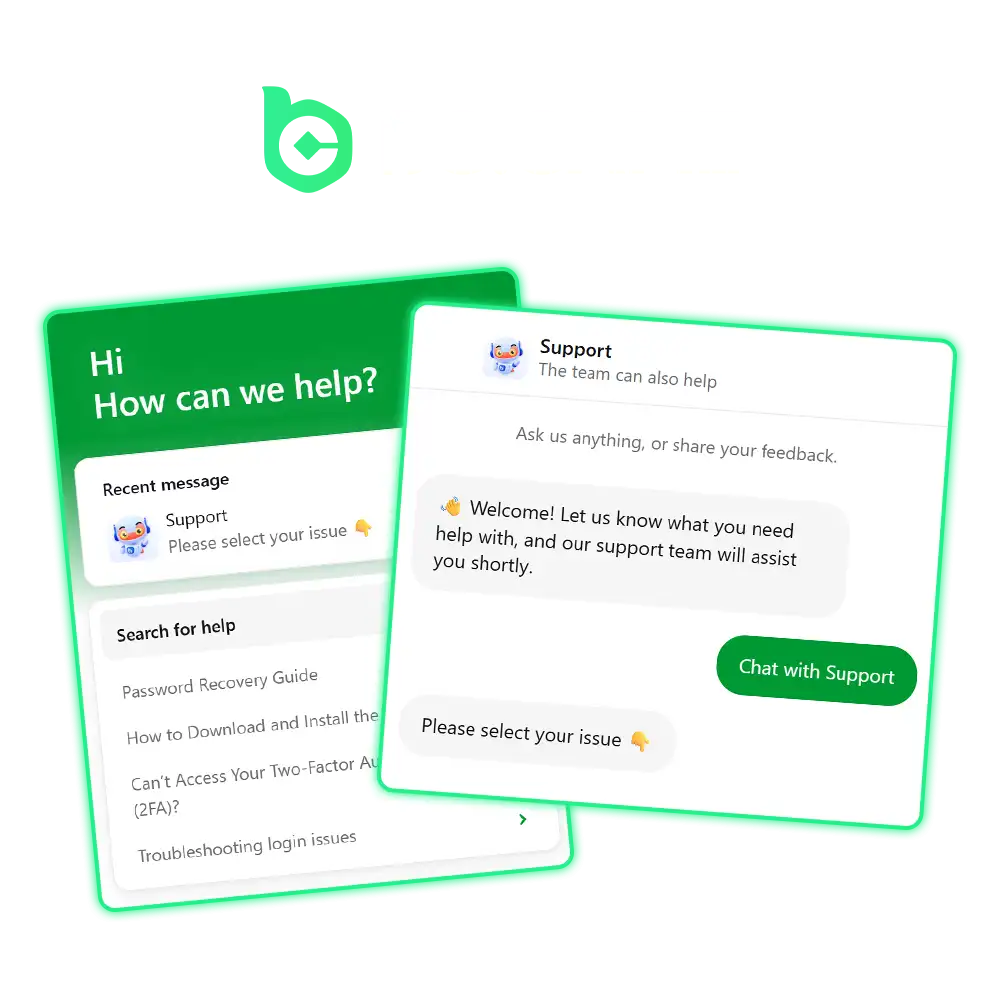
Get Instant Help via BC Game Live Support
Live chat is the fastest way to contact the BC Game customer support team. You can start a chat session directly from the website by clicking the chat icon in the bottom corner of any page. An agent connects with you in under two minutes on average, making it the most reliable option for time-sensitive situations.
Live support is best suited for:
- Account access problems that need immediate attention;
- Deposit or withdrawal queries where delays are affecting your session;
- Quick clarifications on bonus terms or game rules;
- Any issue that needs a back-and-forth conversation to resolve.
For a faster response, have your account details ready before starting the chat, and describe your issue in one clear sentence at the start of the conversation.
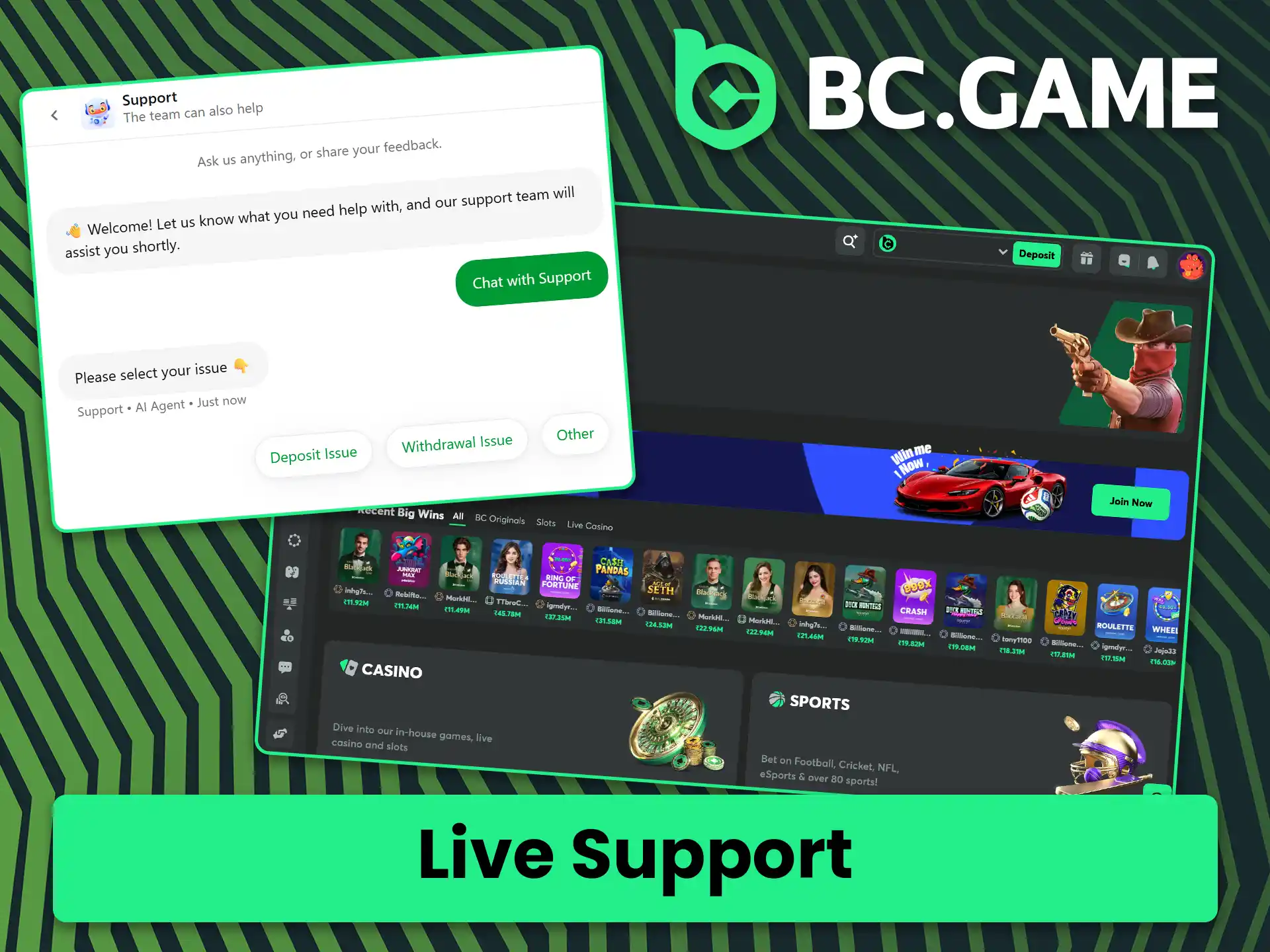
Reach Out Through the BC Game Support Email
For detailed queries, you can contact BC Game customer service by sending a message to the official support email at [email protected]. The team typically responds within 24 hours, though most replies arrive sooner during off-peak hours.
Email support works best for:
- KYC document submissions and identity verification follow-ups;
- Formal complaints or account-related disputes that require documentation;
- Queries involving transaction records, bonus history, or account activity;
- Issues that do not require an immediate resolution and benefit from a written record.
Attach all relevant screenshots or documents in your first message, and include your registered username or account ID so the team can locate your account without delay.
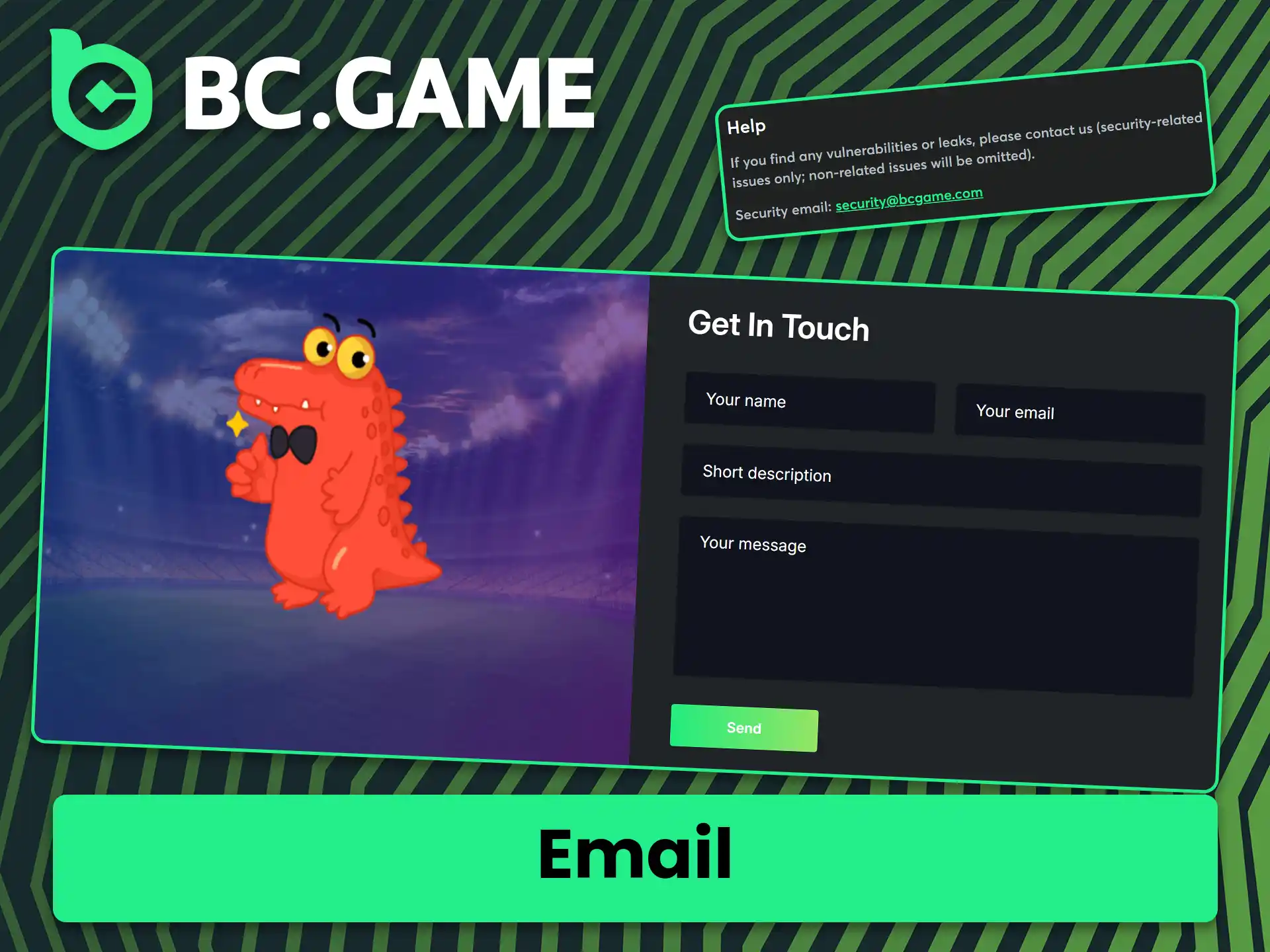
BC Game Helpline Number for Direct Assistance
At this time, BC Game does not publish a dedicated phone helpline number for inbound customer calls. This is common across crypto-focused platforms where written support channels offer better security, traceability, and response consistency. The helpline number 24/7 experience is effectively replicated through the live chat feature, which offers near-instant response at any hour.
Phone-equivalent support through live chat is ideal for:
- Situations where you need a real-time conversation with the support team;
- Urgent account or transaction issues outside business hours;
- Players who prefer conversational, step-by-step guidance;
- Escalations that require faster resolution than email allows.
If you prefer voice-style interaction, use the live chat feature and let the agent know you need a guided walkthrough, and the team will assist you step by step.
Technical Support for Gameplay and Platform Issues
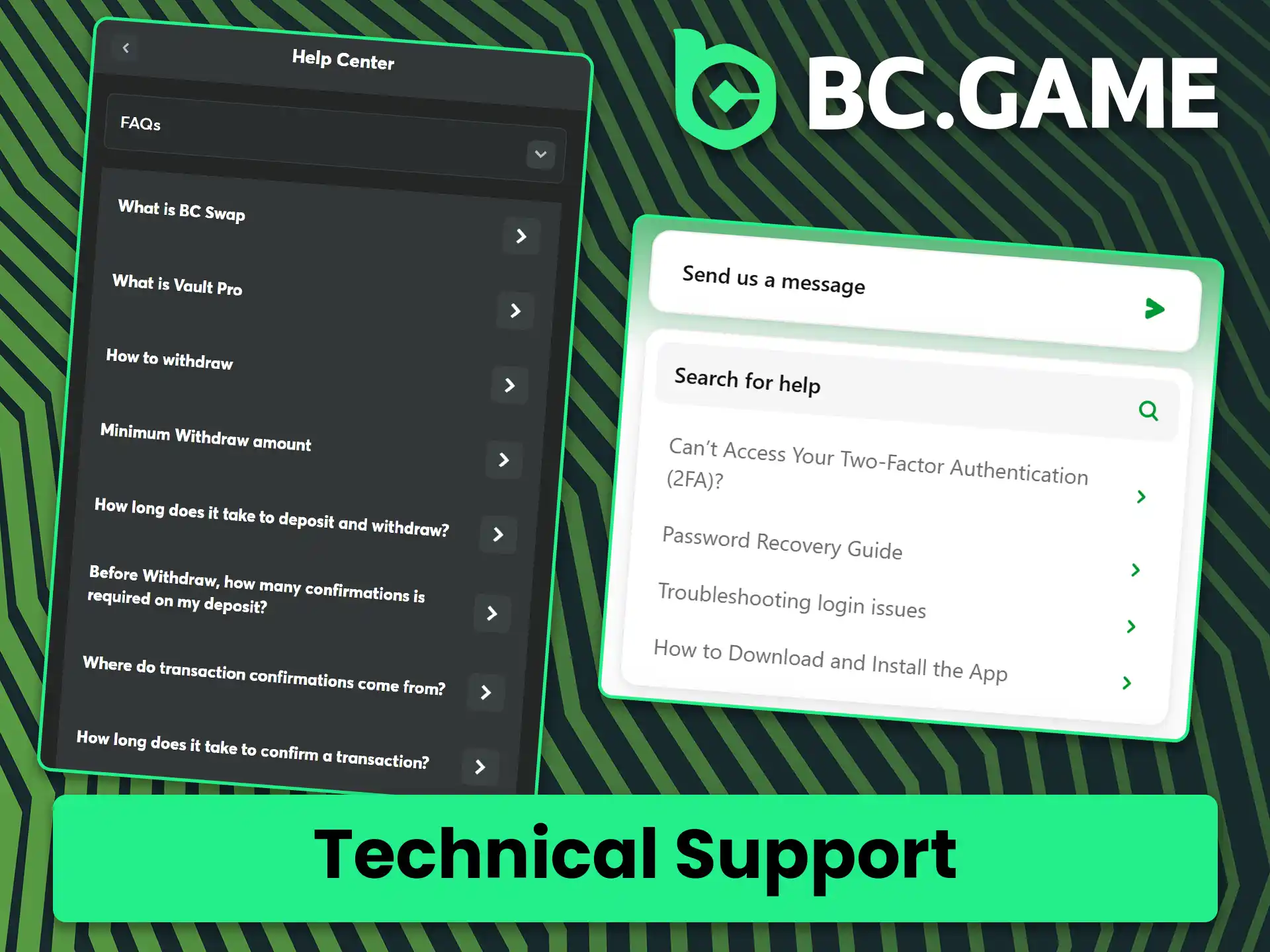
If you are experiencing a technical issue such as a game not loading, a page freezing, or an error appearing during a transaction, you can report it through the live chat or the technical support email at [email protected]. The BC Game support team logs all technical reports and escalates critical issues to the relevant product team. Most common technical issues are acknowledged within a few hours, with resolutions typically communicated within 24 to 48 hours.
Technical support is the right channel for:
- Games crashing, freezing, or failing to load on the website or app;
- Error codes appearing during deposits, withdrawals, or gameplay;
- Login failures that are not related to forgotten passwords;
- Display or performance issues affecting your experience on mobile or desktop.
Before contacting support, note the exact error message or code you see, and mention your device type and browser version, as this helps the technical team diagnose and resolve the issue faster.
VIP and Priority Support at BC Game
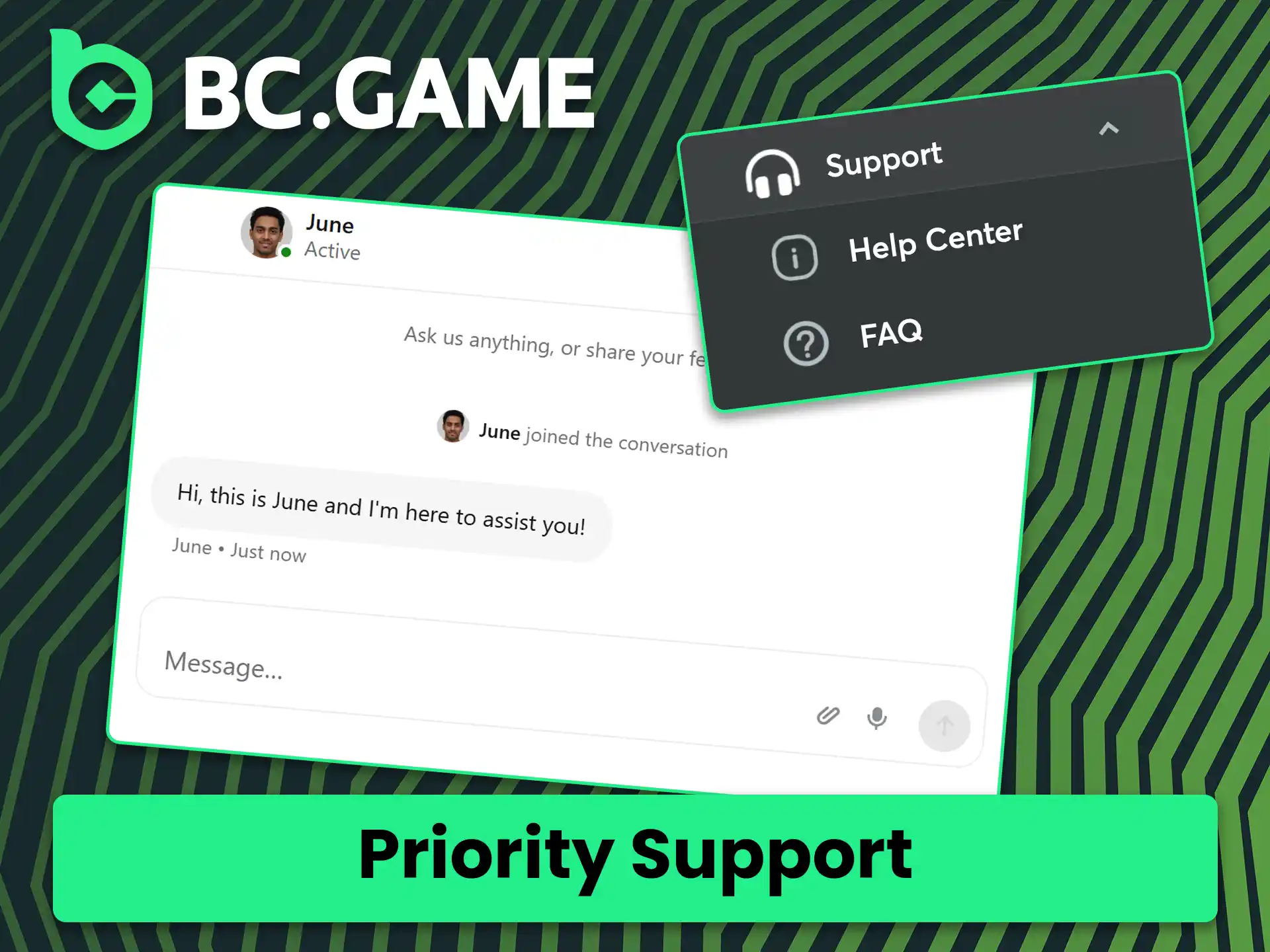
Players who hold VIP status on BC Game receive access to a dedicated support channel with shorter wait times and a personalised level of service. VIP members can reach the priority customer support team through the exclusive VIP live chat option, which appears in their account dashboard once VIP status is activated. Responses through the VIP channel are typically received within minutes rather than the standard queue times.
Priority support through the VIP channel is designed for:
- High-value withdrawal requests that require expedited review;
- Personalised account management queries including tailored promotions;
- Complex disputes or account-related issues that benefit from senior-level handling;
- Dedicated assistance with large-deposit confirmations or transaction monitoring.
To make the most of priority support, log in to your account before initiating contact so your VIP status is verified automatically, and include all relevant transaction details in your first message to avoid back-and-forth delays.
Comments
Updated:
Social Media and Messaging Platform Support
BC Game maintains an active presence on Telegram and other messaging platforms, which you can use to reach the support team or connect with the broader community. The official Telegram channel and group can be found through links on the BC Game website. Response times on messaging platforms are typically within a few hours, though the live chat channel remains faster for urgent queries.
Messaging and social media support are best suited for:
Always contact support through official links listed on the BC Game website, and avoid sharing sensitive account information in public group chats for your own security.